

FAQ
Frequently Asked Questions
Below you will find some of our most frequently asked questions...
Enovation Maps Installation
Under each product page, you will find a link where you can download the Enovation Maps Installation instructions. You are not required to have the map installed by an authorized dealer, but it is encouraged.
Notice: This installation requires a torque wrench and should be performed by an authorized dealer or other qualified technician. For installation instructions, click here.
Need more help with installation?
Contact our tech team for any additional assistance: EnovTechSupport@enovationcontrols.com
How do I find a map for my location?
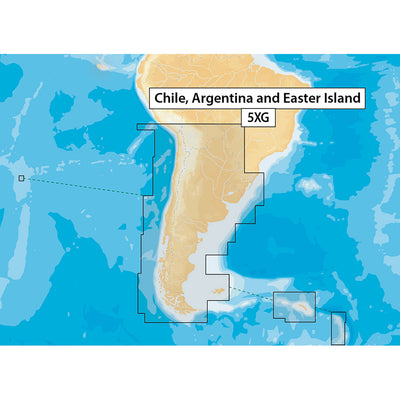
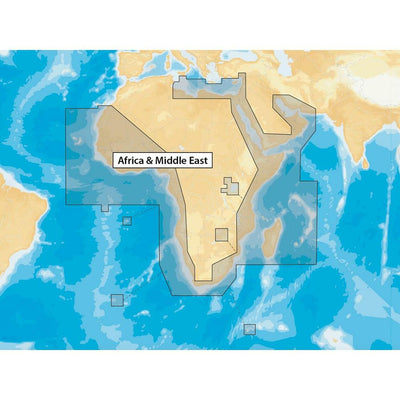
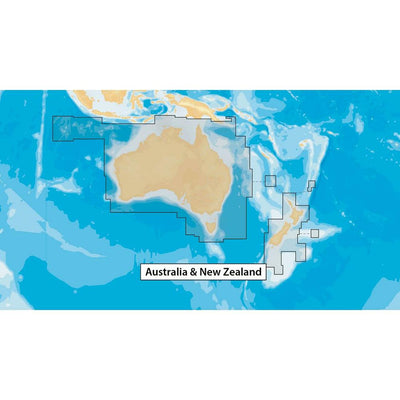
When looking for a specific map, you can find the location you need by clicking on the magnifying glass icon in the top right corner on our site and typing the map location. Example: "Mexico." The map covering Mexico, the Caribbean, and Brazil will show as an option to order.
How do I track the status of my order?
You will be provided with a ship date when placing an order and a shipping notice with tracking information on the day of the shipment. If you are having issues with the delivery of an order, please contact us at: info@enovationmaps.com.
Can the maps be updated?
No. You will need to purchase an updated map.
Is there a subscription fee?
No. There is no subscription fee.
Is there a demo video available?
There is no demo video available at this time.
How do I know if the region or lake I'm looking for is included in the map sets?
Please refer to the map sets from Navionics to look up regions or lakes you are interested in.